
Accurate
AI speech-to-text captures every word and translates it in real time.
Give every visitor real-time translated captions on their phone—without receivers, booths, or an app.
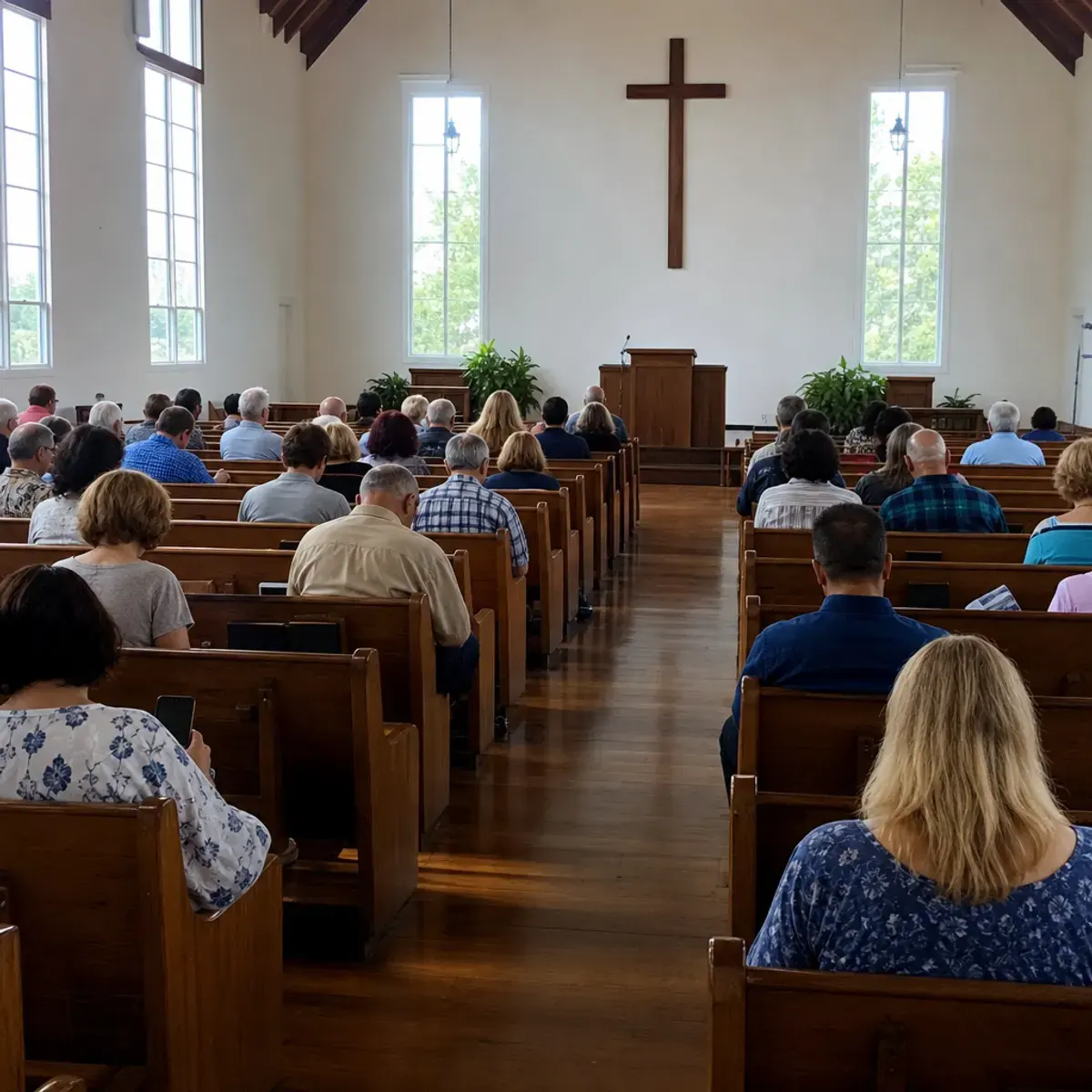
Grace Community Church
Sunday Service
You believe in God; believe also in me.
Creéis en Dios; creed también en mí.
In my Father's house are many rooms.
En la casa de mi Padre muchas moradas hay.
I am the way, the truth, and the life.
Yo soy el camino, la verdad y la vida.
Why SpeedSound
Open a room on the host phone, choose the spoken language, and go live. No receiver, no booth, no extra hardware.
The sermon is transcribed in real time and translated into every guest's language as the speaker talks.
Share a link or QR code. Each guest picks a language on their own phone, and newcomers can join anytime.
AI speech-to-text captures every word and translates it in real time.
Choose a plan for your ministry’s translation time. Every supported language is included, with no extra language fees.
One phone is enough. No receivers, no booth, and no app to install — everything runs in the browser.
Guests scan a QR code and they're in — 20+ languages to choose from, no login, no payment, no setup.
Simple pricing
Choose the time your ministry needs. Invite everyone and translate into 20+ popular languages at no extra cost.
3 hours$0 one-time trial
We’re offering this free trial to hear honest feedback from real churches.
Monthly plan
$29/ month
No credit card required.
Compare plans and included services →Visitors pick Korean or Spanish on their own phone. We stopped handing out extra headsets.

Elena Ruiz
Guest services, Miami
I open a room from the pulpit phone, share the QR, and late guests join without finding an usher.

Daniel Okonkwo
Pastor, London




FAQ
Everything you need to know about live translation for your church.
No. Guests open a link or scan a QR code on their own phone, pick a language, and start reading. It works in any modern browser — nothing to download, no account needed.
Just a phone or laptop near the speaker. Open a room, tap go live, and the built-in microphone is enough for most sanctuaries. No receivers, headsets, or booths — an external mic is optional.
Sermons are transcribed in real time and translated into dozens of languages, including Spanish, Chinese, Korean, Portuguese, and more. Each guest chooses their own language independently.
Yes. The room link stays open for the whole service, so late guests, ushers, and overflow rooms can join at any moment without interrupting anyone.
Start with a 3-hour Free Trial at $0 with no credit card required. When you are ready to continue, Starter is $29/month for 10 hours and Standard is $79/month for 30 hours. All supported languages are included.
Live translation for every voice
Start a room, share one link, and let every guest follow the message in the language they understand best.
Sunday service
English to Spanish
English
Welcome—there is a place for everyone here.
Español
Bienvenidos, aquí hay un lugar para todos.